
Unified IT/OT Observability & Operations
One operational view of everything that keeps your infrastructure running.
PulseGrid 365 connects monitoring, assets, service operations and automation, so an infrastructure event arrives with its context, its owner and a path to resolution.
- MonitorDetect issues early
- UnderstandGet full context
- ResolveWork together
- AutomateReduce manual work
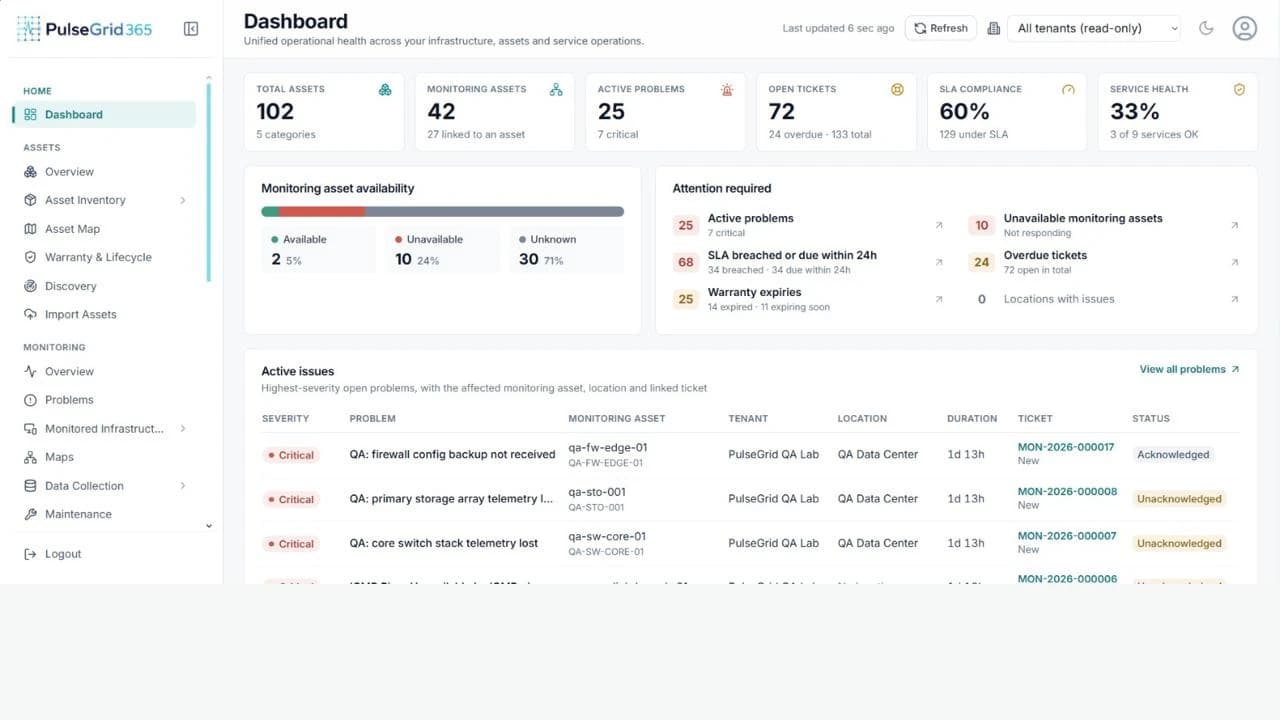
01
See
Know what is happening across your infrastructure.
Availability · Events · Telemetry
02
Understand
See the asset, owner, location and service context.
Asset · Owner · Location
03
Act
Route the issue, track the SLA and resolve it.
Ticket · Team · SLA · Rules
Why it exists
Operations slow down at the hand-offs.
Monitoring tells you something is wrong. Everything after that usually happens in other systems.
1 · Monitoring detects
Critical · Unavailable
Core switch not responding
ICMP ping failed · 1d 13h
A device name and a severity. Nothing about what it is, who owns it or who is on it.
2 · Context is rebuilt by hand
- Which asset is that?asset register
- Who owns it?directory
- Who is responding?on-call rota
- Is an incident open?ticketing
- Has the SLA started?SLA report
Five questions, five systems. Context is lost at every hand-off.
3 · PulseGrid keeps it connected
- Asset · Identity, type, location
- Owner · Department and assignee
- Incident · Linked ticket, created from the event
- Team · Accountable responder
- SLA · Targets and due date
- History · Every earlier event and action
The same record answers every question the moment the event appears.
Unified operations
From infrastructure event to operational insight, in one connected lifecycle.
Each stage hands its context to the next. Nothing is re-entered, and nothing is lost between tools.
01
Infrastructure
Servers, network and OT equipment
02
Observability
Health and telemetry
03
Events
Thresholds and state changes
04
Asset context
Owner, location, history
05
Service operations
Incident, team, SLA
06
Automation
Rules and workflows
07
Resolution
Closed with a record
08
Analytics
Patterns and trends
Data becomes context, then action, then insight.
A threshold breach is only data until it is tied to an asset and an owner. It becomes useful once a workflow starts, and valuable once the outcome is retained for analysis.
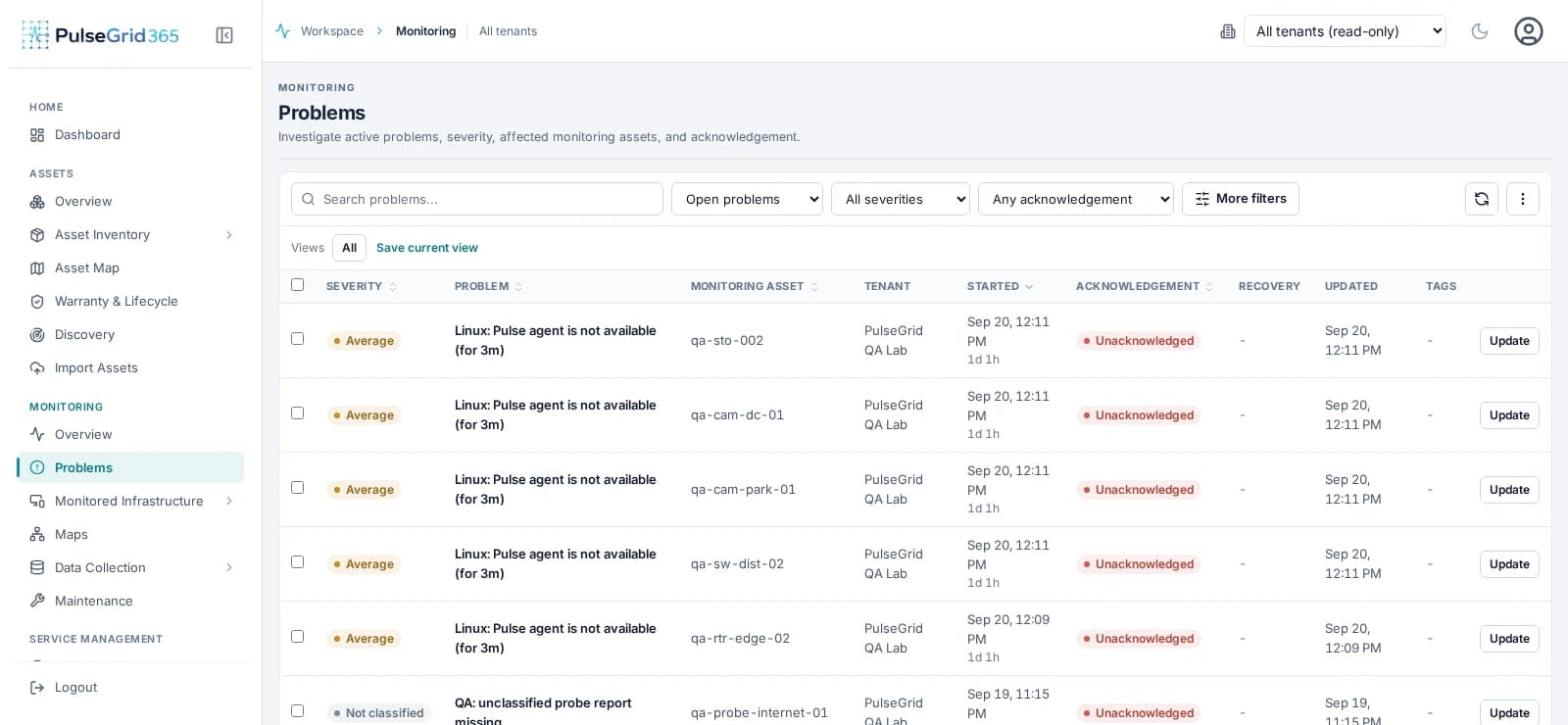
Capabilities
Monitor. Manage. Resolve. Automate.
Four capabilities on one data model, so each makes the others more useful.
Infrastructure Monitoring
Availability, performance, telemetry and events across IT and OT infrastructure, tied to the assets and teams they affect.
Explore Infrastructure Monitoring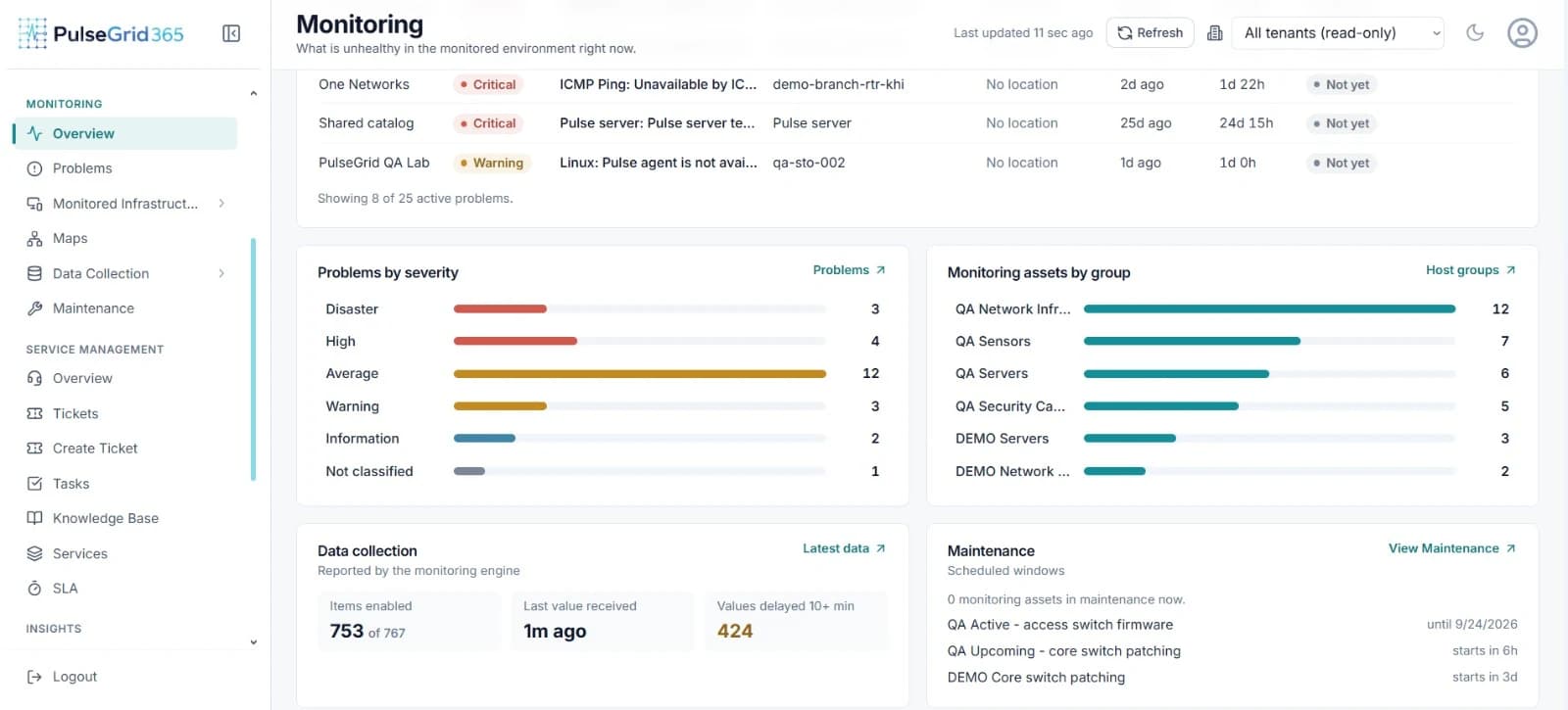
- Manage
Asset Management & CMDB
A central asset repository where identity, ownership, location, lifecycle and history connect to monitoring and service records.
Explore Asset Management - Resolve
Service Desk / ITSM
Incident and ticket management where each issue can carry the asset, event and team context needed to resolve it.
Explore Service Operations - Automate
Automation
Rules and workflows that connect events, notifications, tickets and configured responses, so routine steps stop depending on memory.
Explore Automation
One platform. From signal to resolution.
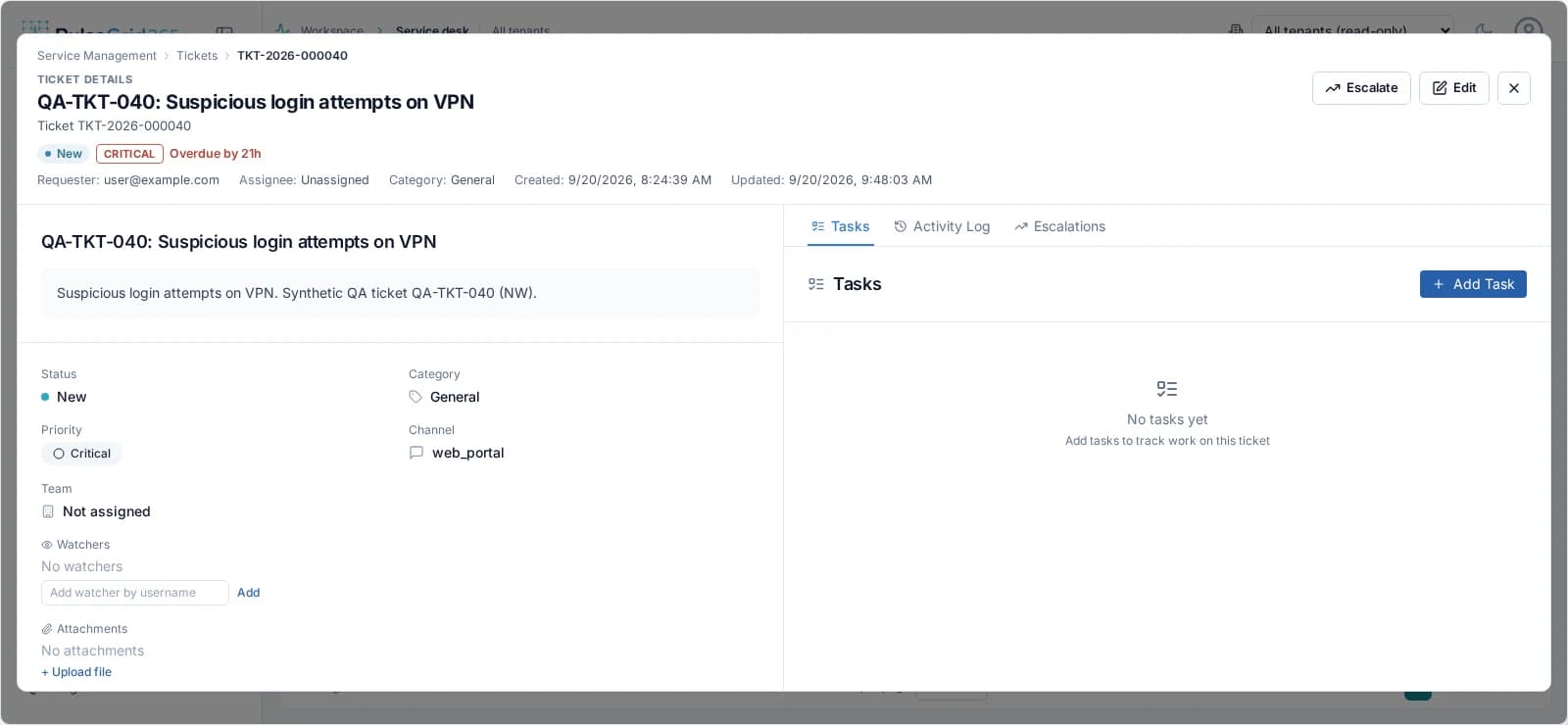
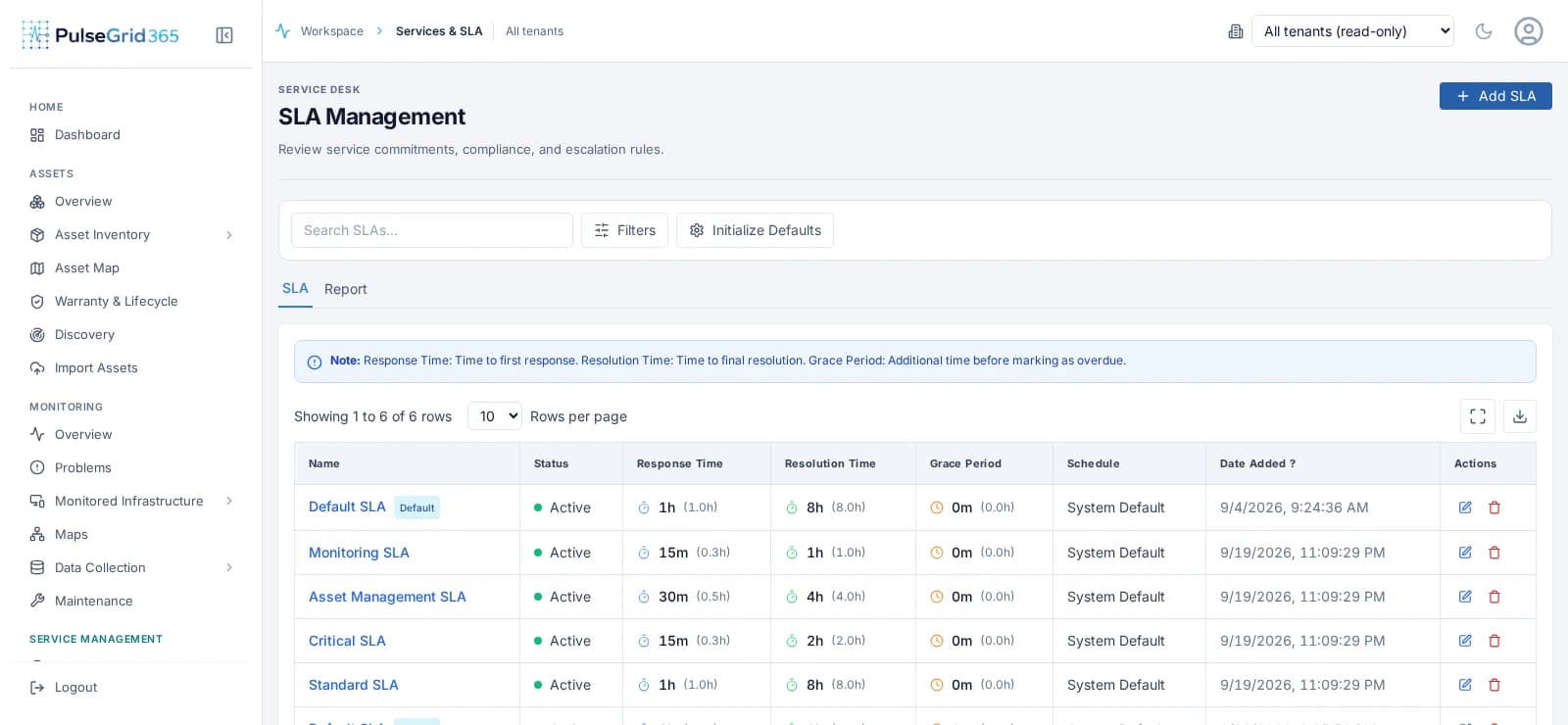
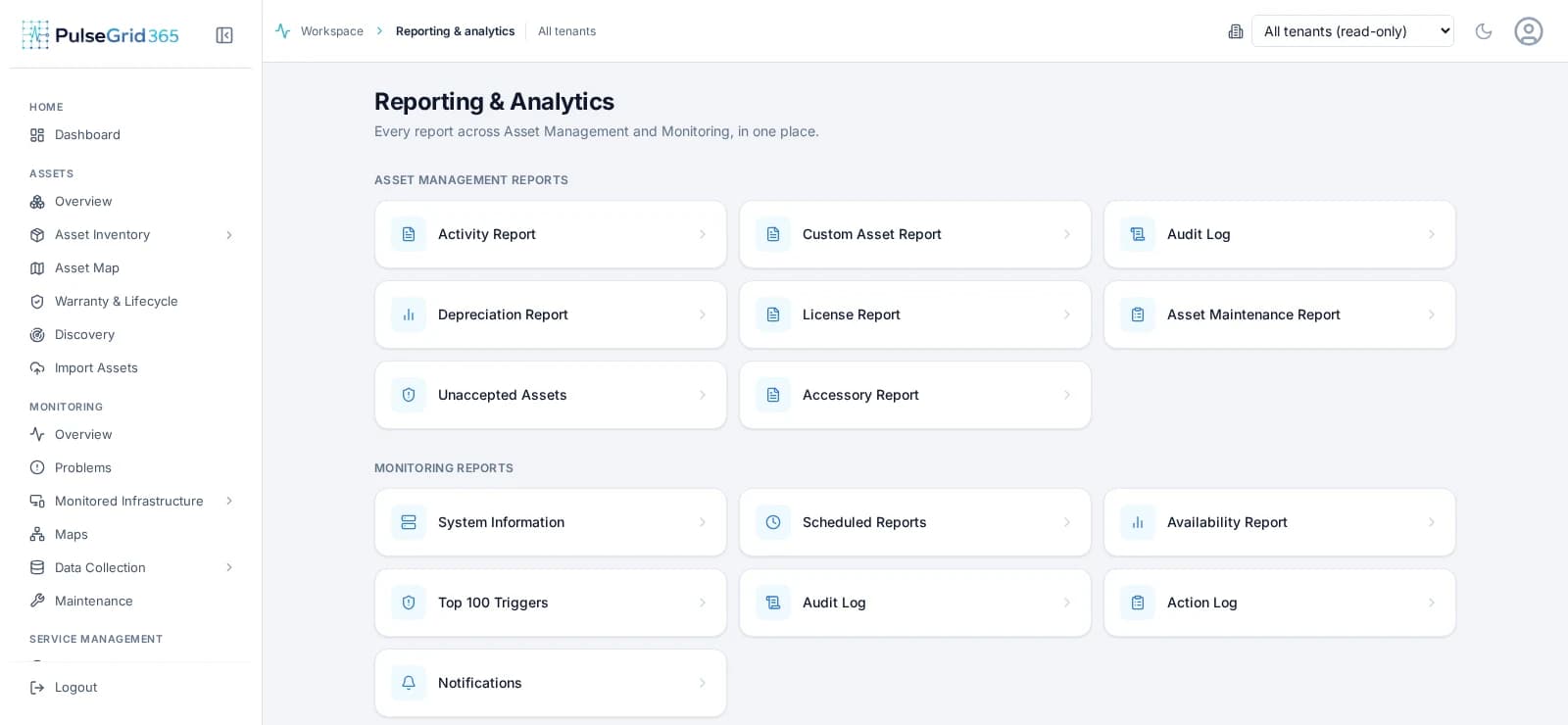
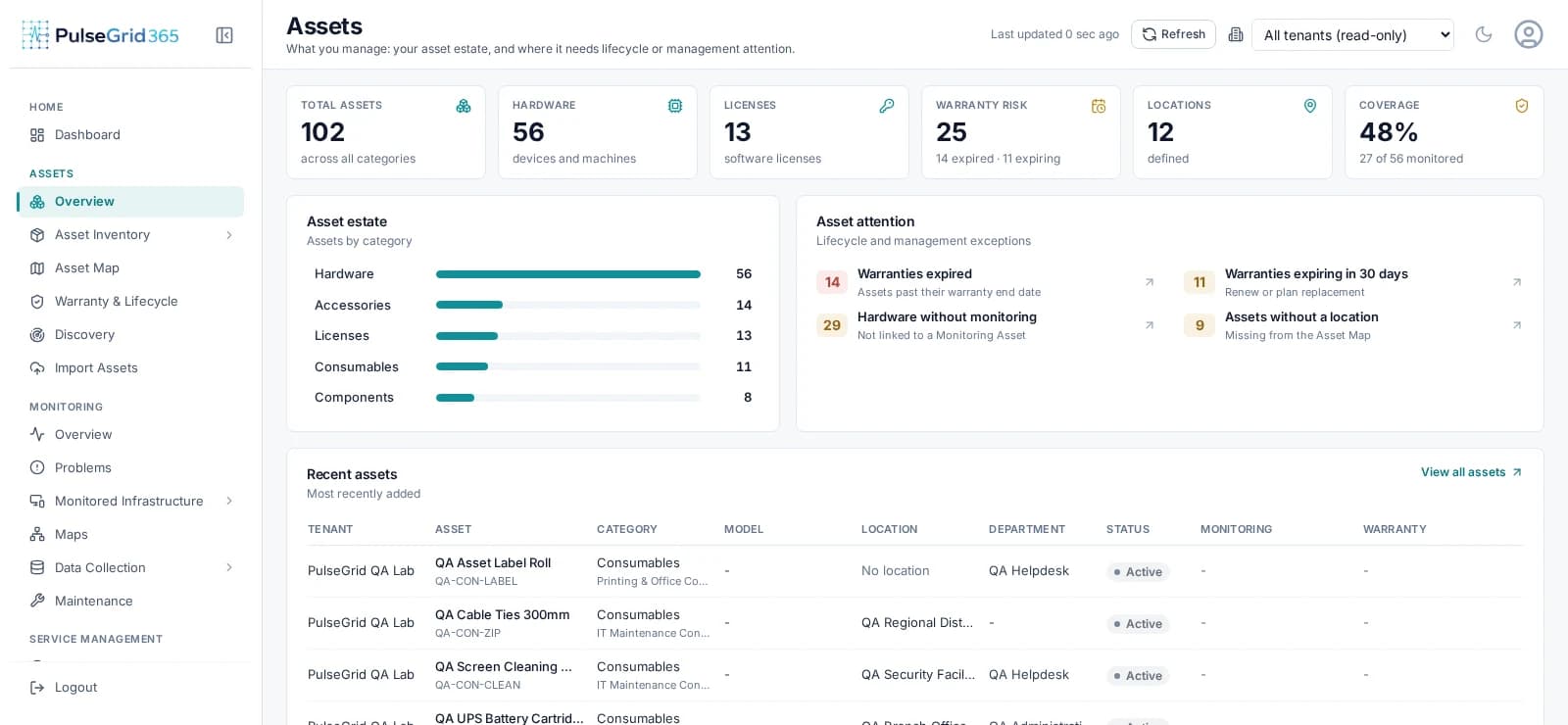
In the product
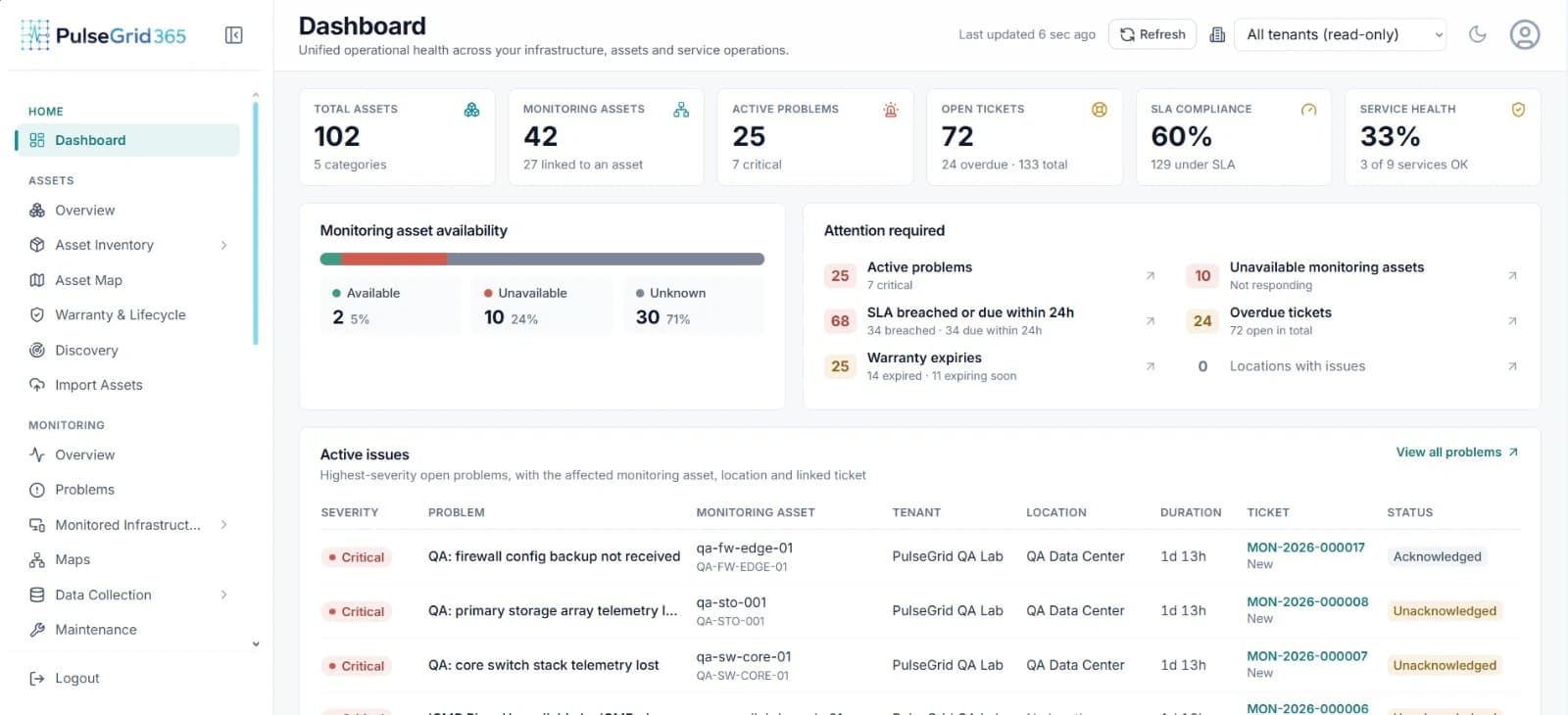
Follow one issue through PulseGrid 365.
Real screens, in the order an operator meets them.
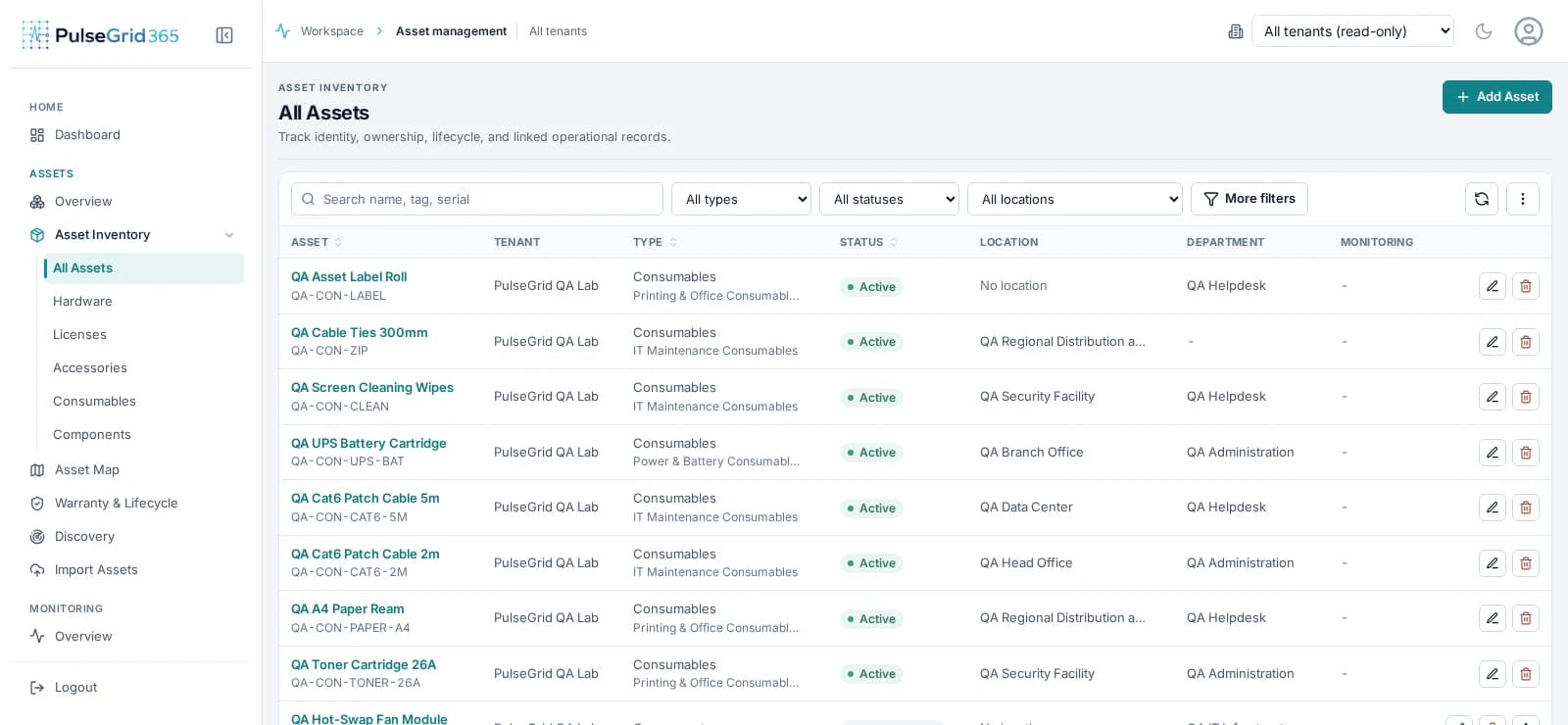
Asset intelligence
Know what the asset is, where it is and what has happened to it.
Inventory
A row: name, serial, purchase date.
Operational context
The same record, plus owner, location, monitoring, incidents and history.
Service operations
Every issue leaves with an owner, a priority and a clock.
Incidents start from the event, so responders begin with context instead of rebuilding it.
- 01
Detect
A monitored event or a reported issue.
- 02
Create
Manually, or from an event where configured.
- 03
Prioritize
Severity and impact set the urgency.
- 04
Assign
A named team is accountable.
- 05
Track SLA
Response and resolution targets are visible.
- 06
Resolve
Closed with the full history retained.
Automation
Turn operational signals into action.
Connect events, rules, notifications and tickets so routine steps happen the same way every time.
Automation acts within the rules and permissions you configure. Operators stay in control.
Explore Automation01
Trigger
- Event raised
- State change
- Threshold breached
02
Condition
- Severity is high
- Asset is in scope
- Outside maintenance
03
Action
- Notify the team
- Create a ticket
- Assign and escalate
A concrete scenario
A critical device becomes unreachable.
Here is how one event moves through the platform when workflows are configured.
- 01
Detect
PulseGrid 365 identifies that a critical device has become unreachable.
- 02
Contextualize
The affected asset and its associated information become available to the operator.
- 03
Create
A service incident can be created according to your configured workflow.
- 04
Assign
The issue reaches the responsible team.
- 05
Track
Priority, status and SLA can be monitored as work proceeds.
- 06
Resolve
The incident progresses through resolution and is closed with a record.
- 07
Learn
Operational history contributes to reporting and future analysis.
One platform
Not four tools. One connected platform.
The modules are not silos with a shared logo. They share records — point at a capability to see its view of the same platform.
- InfrastructureIT and OT estate
- Asset ManagementContext and lifecycle
- AutomationRules and workflows
- MonitoringEvents and health
- Service DeskIncidents and SLA
- AnalyticsPatterns and trends
- Fewer hand-offs
- Context travels with the event instead of being re-typed into the next tool.
- Clear accountability
- Each issue has an owner, a priority and a tracked target.
- Operations that learn
- History from every incident feeds reporting and analysis.
Business outcomes
What changes when operations share one record.
- Less fragmentation
- One record instead of four separate systems to reconcile.
- Clearer ownership
- Every issue carries an owner, a priority and a target from the moment it opens.
- Faster response
- Context arrives with the event, so teams act instead of investigating.
- A record that compounds
- Operational history feeds reporting, not a filing cabinet.
FAQ
Straight answers.
Have a question that is not here? Contact us.
What is PulseGrid 365?
PulseGrid 365 is a unified IT/OT observability and operations platform. It connects infrastructure monitoring, asset intelligence, service operations and automation in one operational environment.
What is IT/OT observability?
It is visibility across both information-technology infrastructure and operational-technology or connected equipment, combined with the context needed to understand and respond to what is observed.
What types of infrastructure can PulseGrid 365 monitor?
Servers, network devices and other discoverable or monitorable infrastructure. The specific protocols and device types supported for your environment are confirmed during evaluation.
How does monitoring connect with asset management?
Monitored items can be associated with asset records, so an event arrives with the asset's ownership, location and history rather than a bare device name.
Can infrastructure events create service incidents?
Yes, according to the workflows you configure. Incidents can also be created manually.
How does PulseGrid 365 support asset lifecycle management?
Asset records track status, assignment, location, warranty and history so you can follow an asset from acquisition to retirement.
What role does automation play?
Automation connects events, rules, notifications and service workflows so routine operational steps happen consistently. It acts within the rules you configure.
Is PulseGrid 365 suitable for MSPs?
The platform is designed for multi-tenant operation. We will walk through how it fits your client model during a demo.
Can PulseGrid 365 support enterprise and public-sector environments?
Yes. Requirements such as deployment approach and access control are discussed against your environment during evaluation.
How is PulseGrid 365 deployed?
Flexible deployment and commercial options are available based on your operational environment and requirements. Contact us to discuss.
How can we request a demonstration?
Use the Request a Demo form and tell us about your environment. We will arrange a walkthrough focused on your priorities.
See PulseGrid in action
See how PulseGrid 365 fits your operational environment.
Tell us about your infrastructure and how your teams respond today. We will arrange a walkthrough focused on your priorities.