Infrastructure Monitoring
See infrastructure health before operators start searching for context.
Availability, performance, telemetry and events across IT and OT infrastructure, tied to the assets and teams they affect.
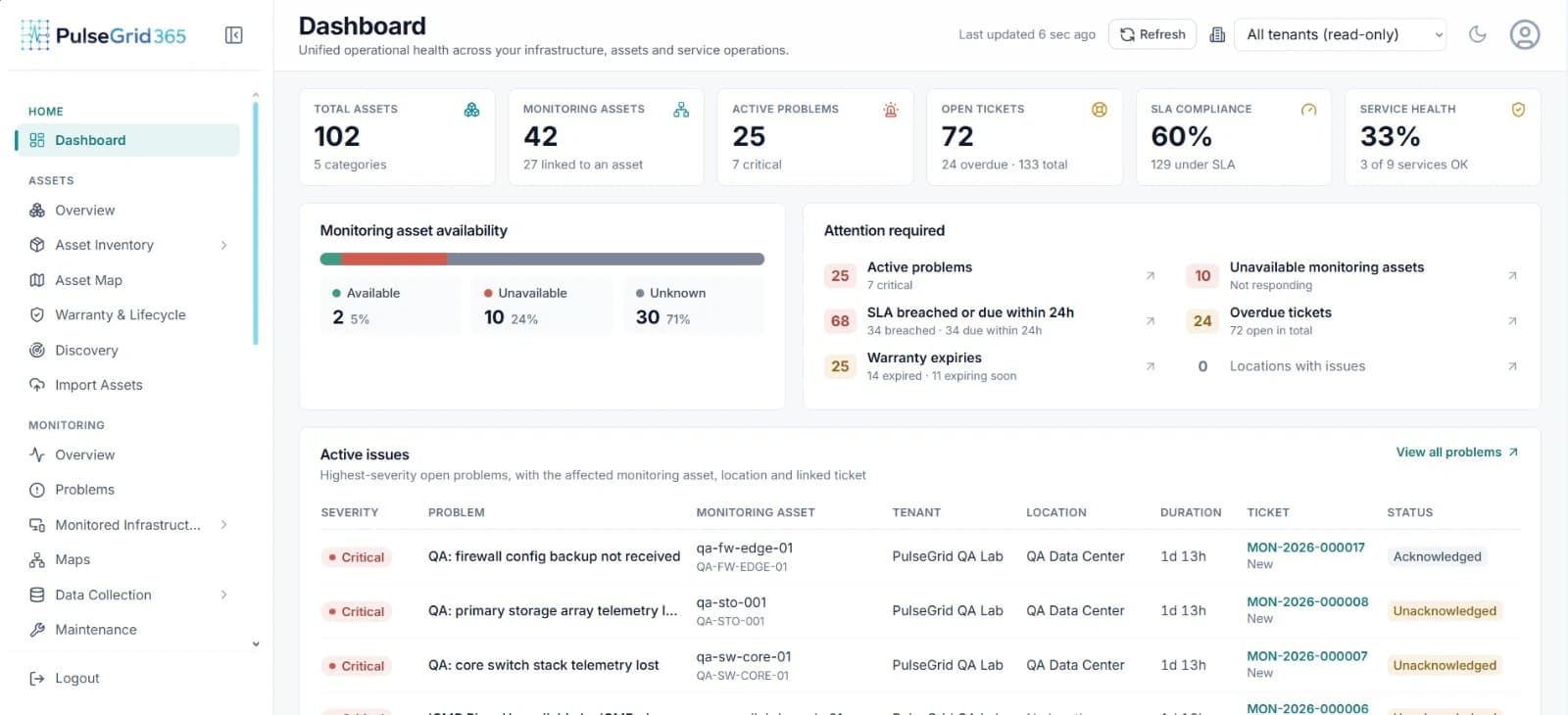
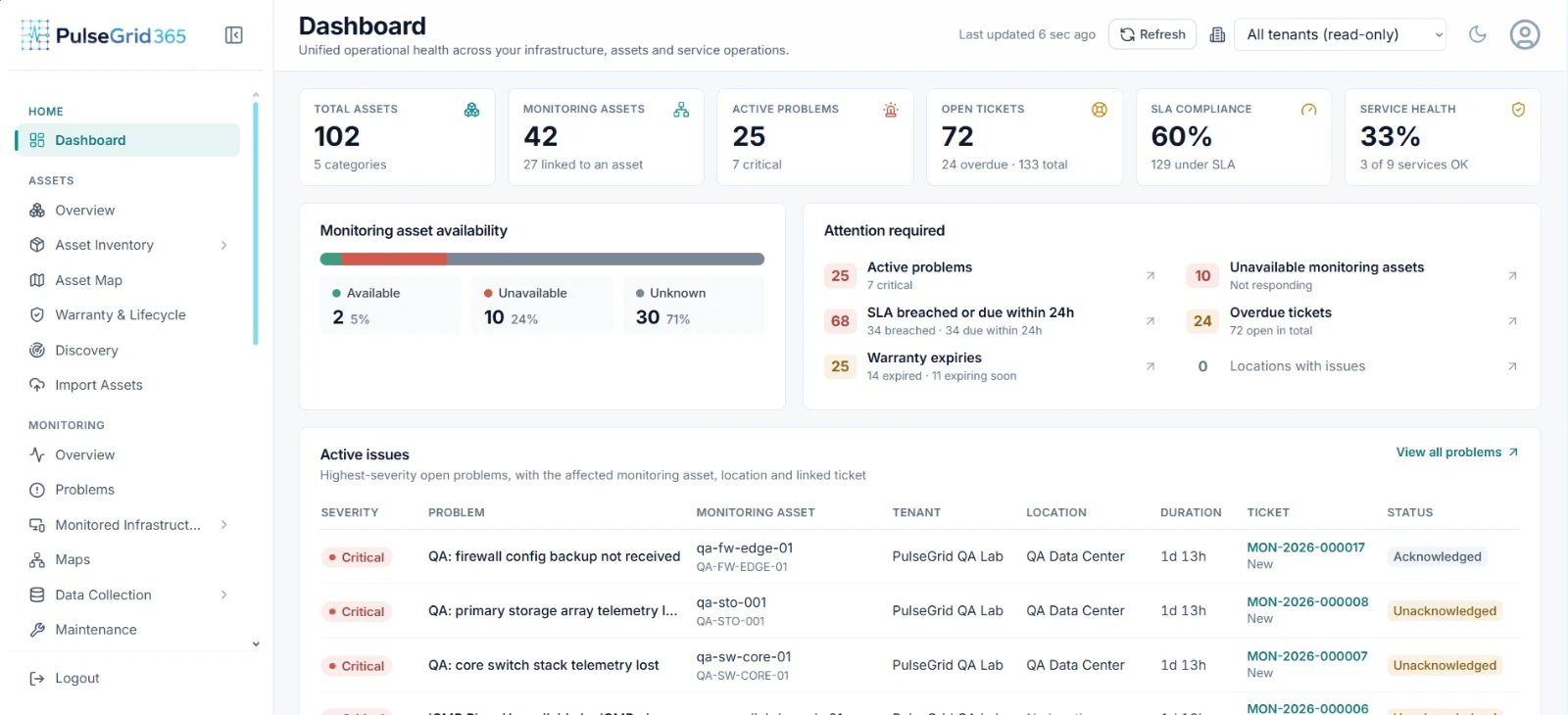
- 1Availability and active problems
- 2Monitored asset availability
- 3Highest-severity problems with location and duration
What you get
See it before your users do.
The problem appears with its severity and duration, the linked asset shows its location and owner, and a service ticket can already be waiting.
- Availability
- Which monitored assets are reachable, and which are not.
- Performance
- Metrics and history for capacity and post-incident review.
- Telemetry
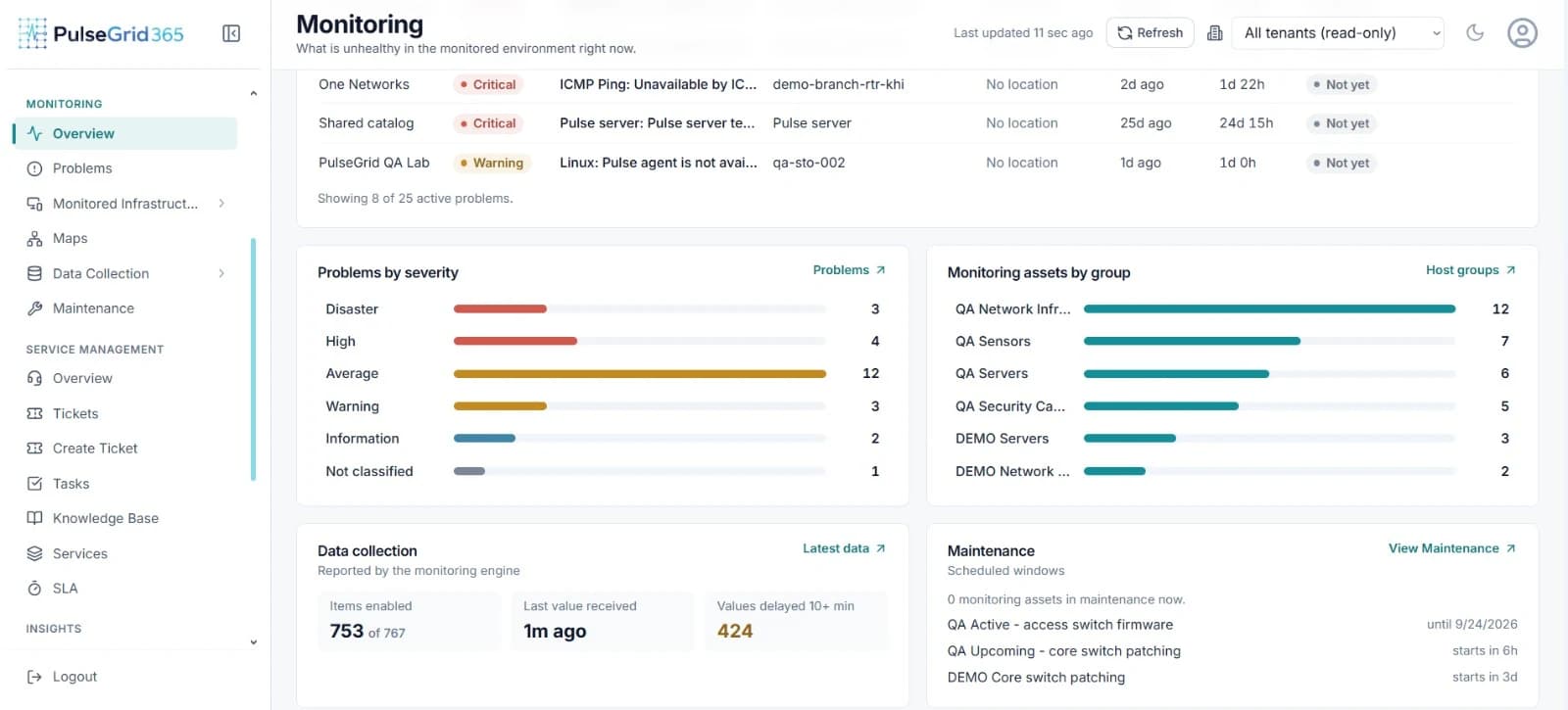
- Values collected by the monitoring engine, with delay and queue visibility.
- Events
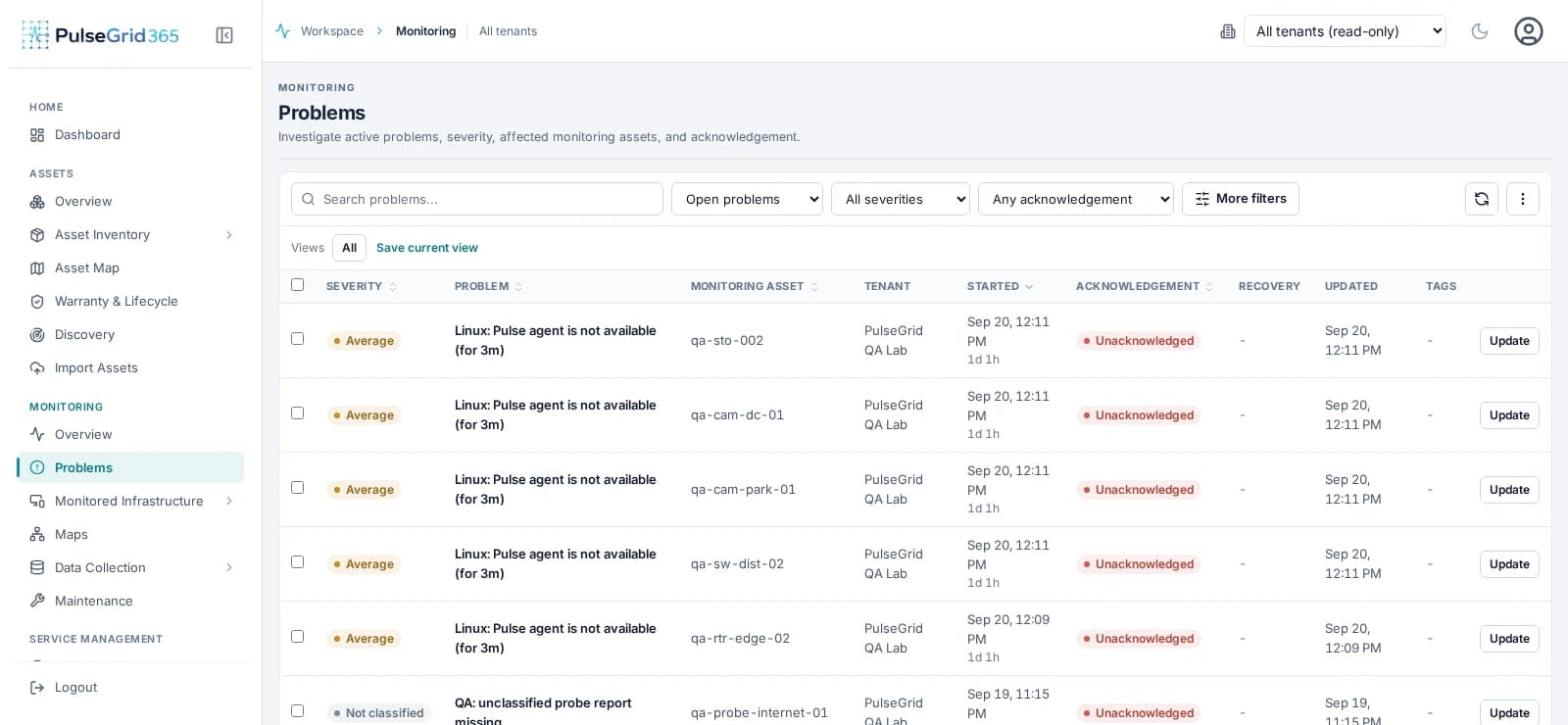
- Severity-ranked problems with duration and acknowledgement state.
From signal to action
How a signal becomes action.
Each step keeps its context, so the incident that results already knows what failed and who owns it.
- 01
Device
A server, switch or connected device is monitored.
- 02
Metric
Telemetry is collected on a schedule.
- 03
Threshold
Values are compared with rules you define.
- 04
Event
A breach becomes a ranked problem.
- 05
Asset
Owner, location and history attach to it.
- 06
Incident
A ticket can be created from the event.
In the product
Infrastructure Monitoring, connected to the rest of the platform.
- 01
Event detected
A threshold breach becomes a severity-ranked problem.
- 02
Asset identified
Owner, location and history attach to it automatically.
- 03
Incident created
A ticket can be raised from the event, context intact.
- 04
Team notified
Routed to the responsible team, with the SLA clock started.
Capabilities
What Infrastructure Monitoring covers
- Discovery and templates
- Register infrastructure and apply reusable templates instead of configuring devices one by one.
- Triggers and severity
- Define thresholds and classify problems from information to disaster.
- Topology and maps
- Visualise relationships between components where topology data exists.
- Data collection
- Hosts, items, host groups and value handling managed in one place.
- Maintenance windows
- Schedule planned work so expected changes do not raise noise.
- Asset context on every event
- Monitored items can be linked to asset records for ownership and location.
Connected modules
Stronger together.
Infrastructure Monitoring shares its records with the rest of the platform. See asset context and lifecycle, service incidents and SLAs, and event-driven automation.
FAQ
Common questions
What types of infrastructure can PulseGrid 365 monitor?
Servers, network devices and other discoverable or monitorable infrastructure. The specific protocols and device types supported for your environment are confirmed during evaluation.
How does monitoring connect with asset management?
Monitored items can be associated with asset records, so an event arrives with the asset's ownership, location and history rather than a bare device name.
Can infrastructure events create service incidents?
Yes, according to the workflows you configure. Incidents can also be created manually.
See PulseGrid in action
See how PulseGrid 365 fits your operational environment.
Tell us about your infrastructure and how your teams respond today. We will arrange a walkthrough focused on your priorities.