Asset Management & CMDB
Know what the asset is, where it is and what has happened to it.
A central asset repository where identity, ownership, location, lifecycle and history connect to monitoring and service records.
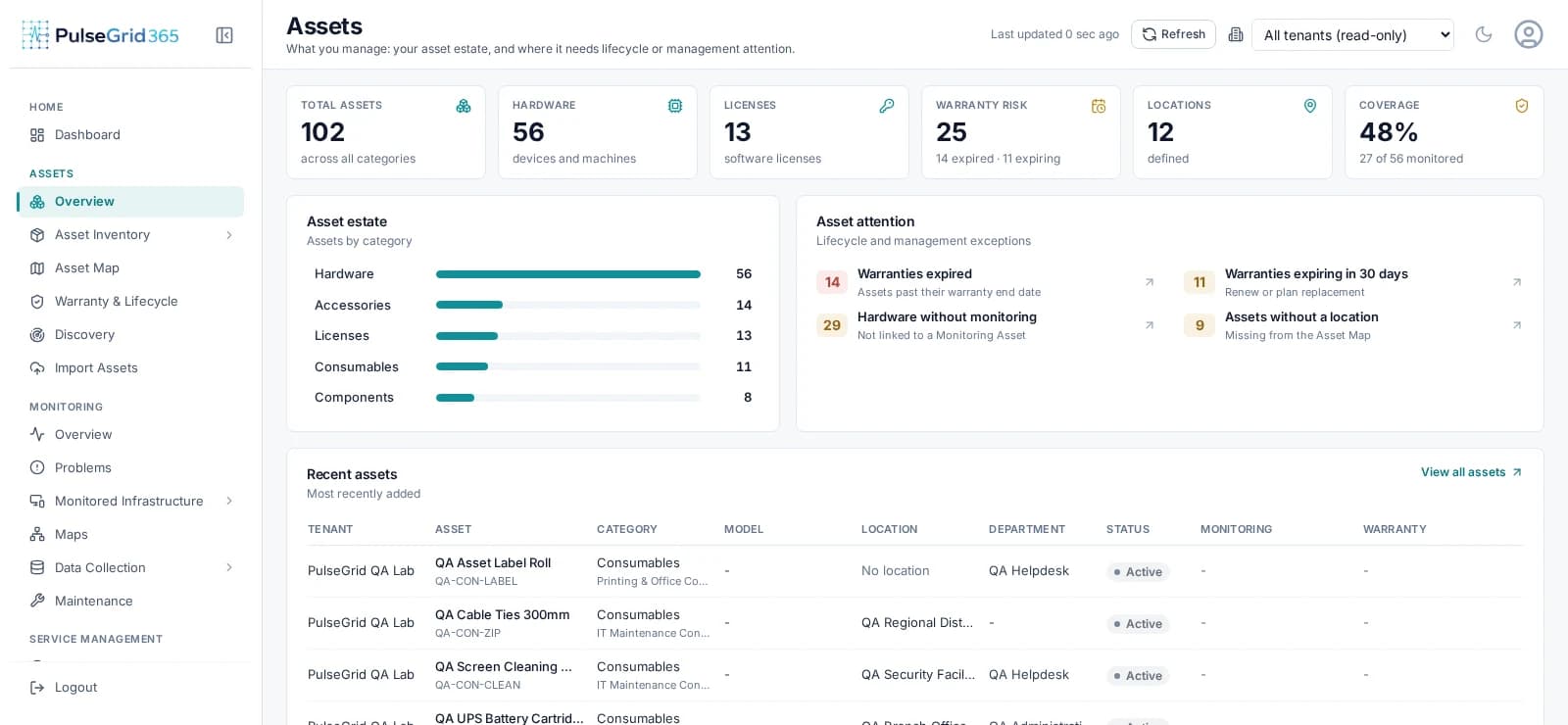
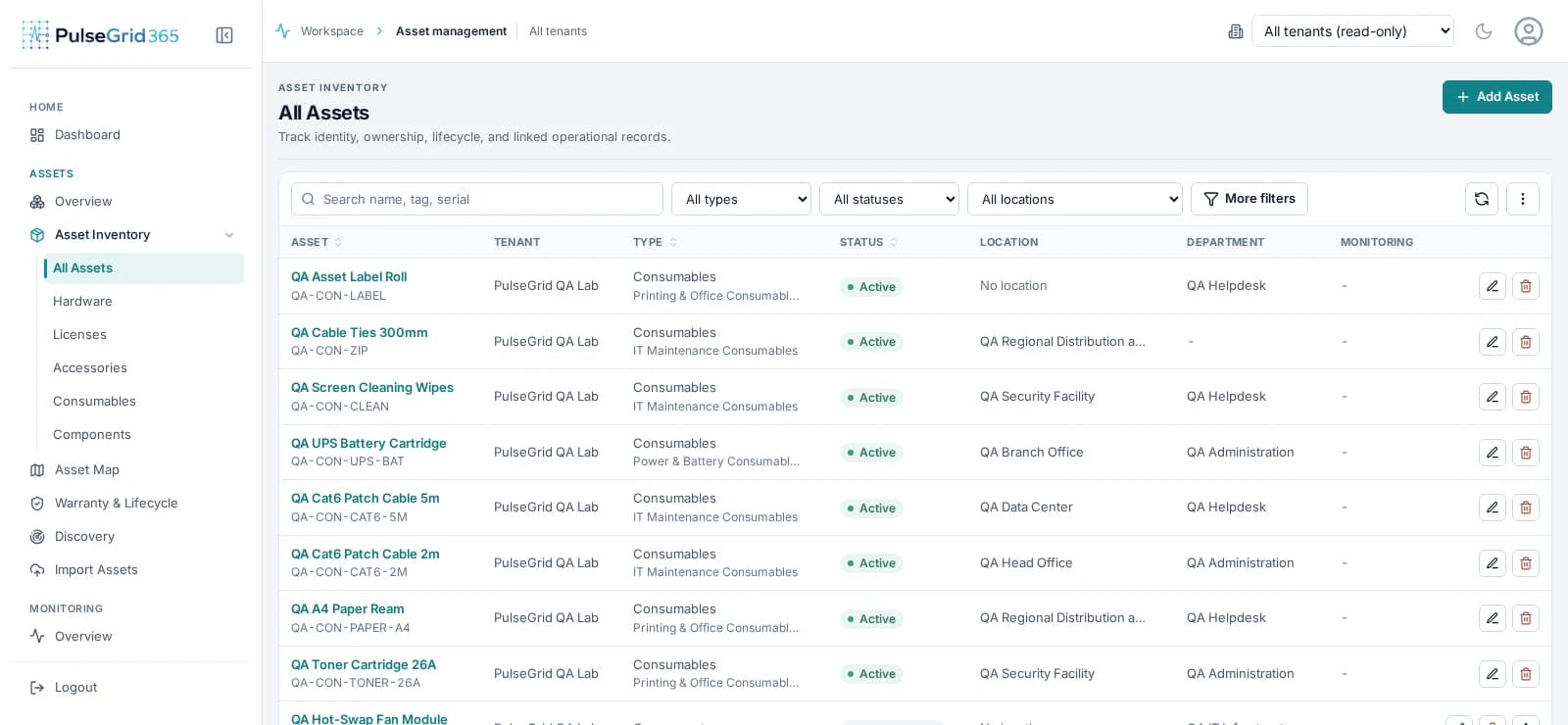
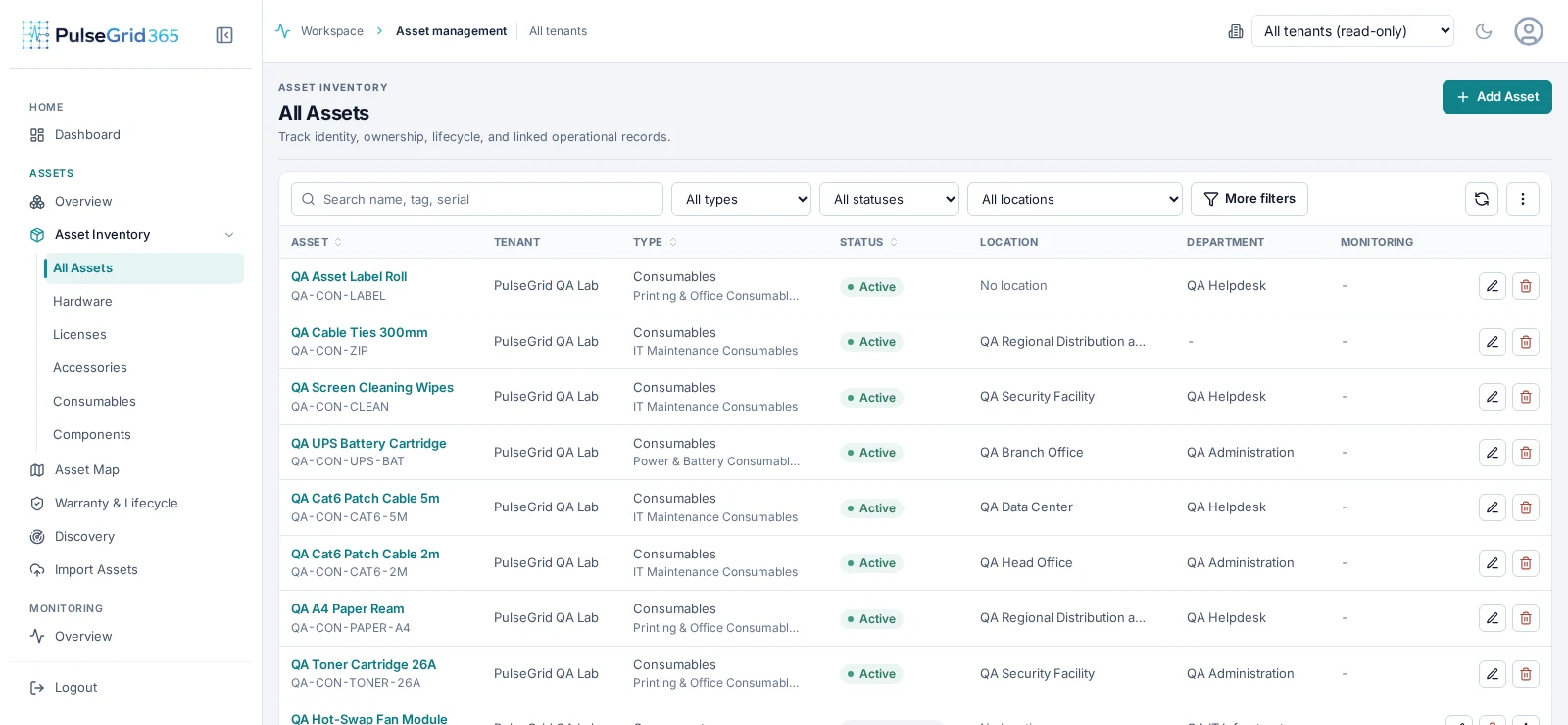
- 1Estate size, warranty risk and monitoring coverage
- 2Lifecycle and management exceptions
- 3Recently added assets with category and status
What you get
Know what you own, where it is, and what happened to it.
The asset record answers in one place: what it is, where it sits, who owns it, its warranty state and every earlier incident.
- Identity
- One record per asset with tag, category, model and status.
- Ownership
- Department, assignment and handover history.
- Location
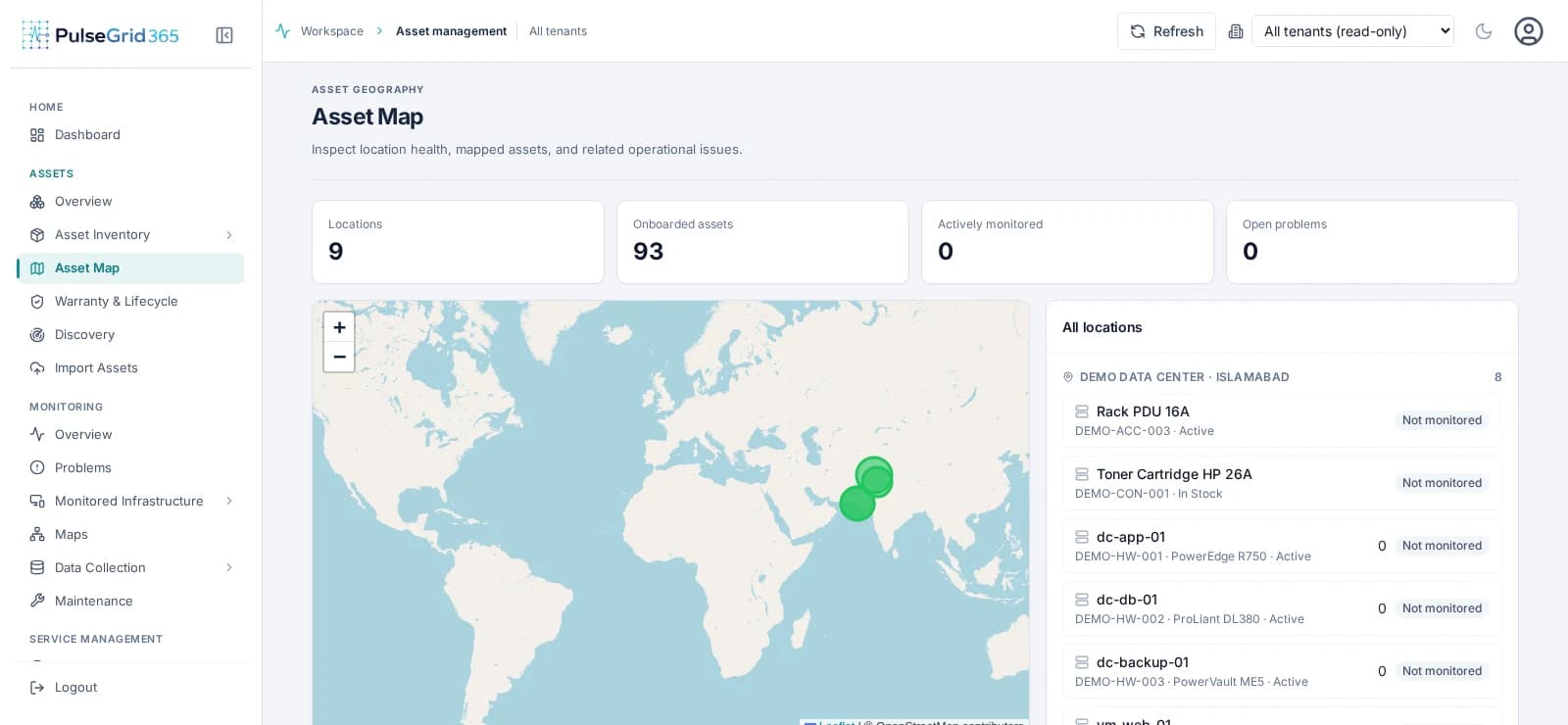
- Where each asset is, with a map of onboarded locations.
- Lifecycle
- Warranty, expiry and maintenance, before they cause an outage.
Asset intelligence
An asset is more than a row.
The same record carries everything operations needs when something goes wrong.
- 01
Identity
Tag, type, category, serial.
- 02
Owner
Department and assignee.
- 03
Location
Site and position.
- 04
Lifecycle
Warranty and maintenance.
- 05
Monitoring
Linked monitored asset.
- 06
History
Incidents and handovers.
In the product
Asset Management & CMDB, connected to the rest of the platform.
An asset is more than an inventory record.
The same record carries ownership, location and lifecycle — so operations never has to go looking for them.
- Identity
- Tag, type, category, serial
- Ownership
- Department and assignee
- Location
- Site and position
- Lifecycle
- Warranty and maintenance
- Monitoring
- Linked monitored asset
- History
- Incidents and handovers
- 1Estate size, warranty risk and monitoring coverage
- 2Lifecycle and management exceptions
- 3Recently added assets with category and status
Capabilities
What Asset Management & CMDB covers
- Central repository
- Hardware, licences, accessories, consumables and components in one registry.
- Warranty and lifecycle
- Track warranty end dates and see what is expired or expiring.
- Assignment and handover
- Record who holds an asset and how it moved.
- Relationships
- Declare how assets relate to one another and to services.
- Discovery and import
- Bring existing inventories in through import and discovery.
- Audit and reporting
- Activity, depreciation, licence and maintenance reports.
Connected modules
Stronger together.
Asset Management & CMDB shares its records with the rest of the platform. See infrastructure monitoring, service desk incidents, and analytics and reporting.
FAQ
Common questions
How does monitoring connect with asset management?
Monitored items can be associated with asset records, so an event arrives with the asset's ownership, location and history rather than a bare device name.
How does PulseGrid 365 support asset lifecycle management?
Asset records track status, assignment, location, warranty and history so you can follow an asset from acquisition to retirement.
Can infrastructure events create service incidents?
Yes, according to the workflows you configure. Incidents can also be created manually.
See PulseGrid in action
See how PulseGrid 365 fits your operational environment.
Tell us about your infrastructure and how your teams respond today. We will arrange a walkthrough focused on your priorities.