Solutions · Asset Operations
Lifecycle control connected to what the asset is actually doing.
Asset records become far more useful when they show current health, open incidents and service history, not only purchase data.
PulseGrid 365 · Assets
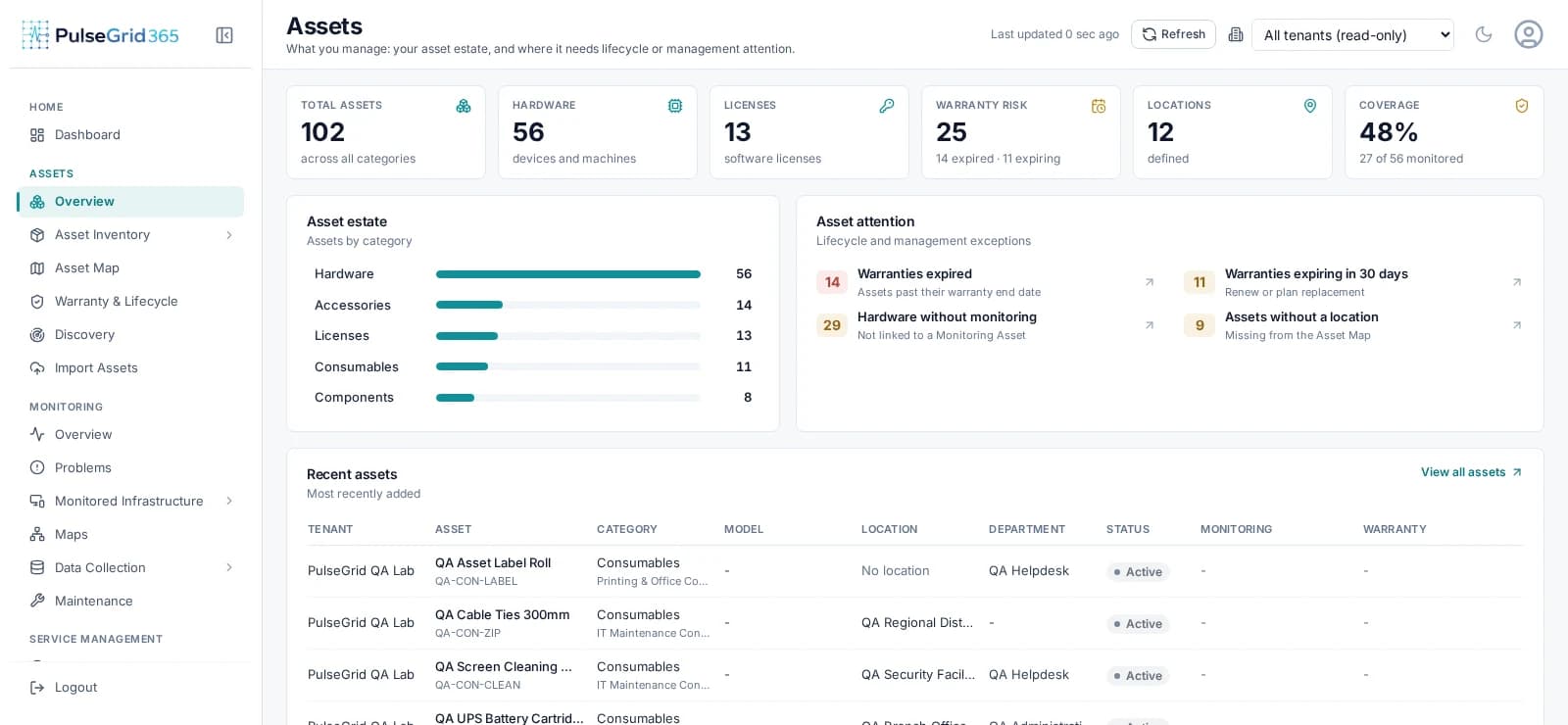
- 1Estate size, warranty risk and monitoring coverage
- 2Lifecycle and management exceptions
- 3Recently added assets with category and status
Built for: Asset managers, IT procurement and lifecycle owners.
What changes
From the problem you have to the workflow you want.
Today
- Warranty and expiry surprises arrive as outages.
- Assets are tracked but not tied to monitoring.
- Assignment and handover history is scattered.
With PulseGrid 365
- Expired and expiring warranties are surfaced on the overview.
- Hardware without monitoring is called out.
- Assignment, handover and incident history stay on the record.
The workflow
How the work flows.
Asset estate, warranty risk and monitoring coverage at a glance.
- 01
Register
- 02
Assign
- 03
Monitor
- 04
Maintain
- 05
Renew or retire
See PulseGrid in action
See how PulseGrid 365 fits your operational environment.
Tell us about your infrastructure and how your teams respond today. We will arrange a walkthrough focused on your priorities.
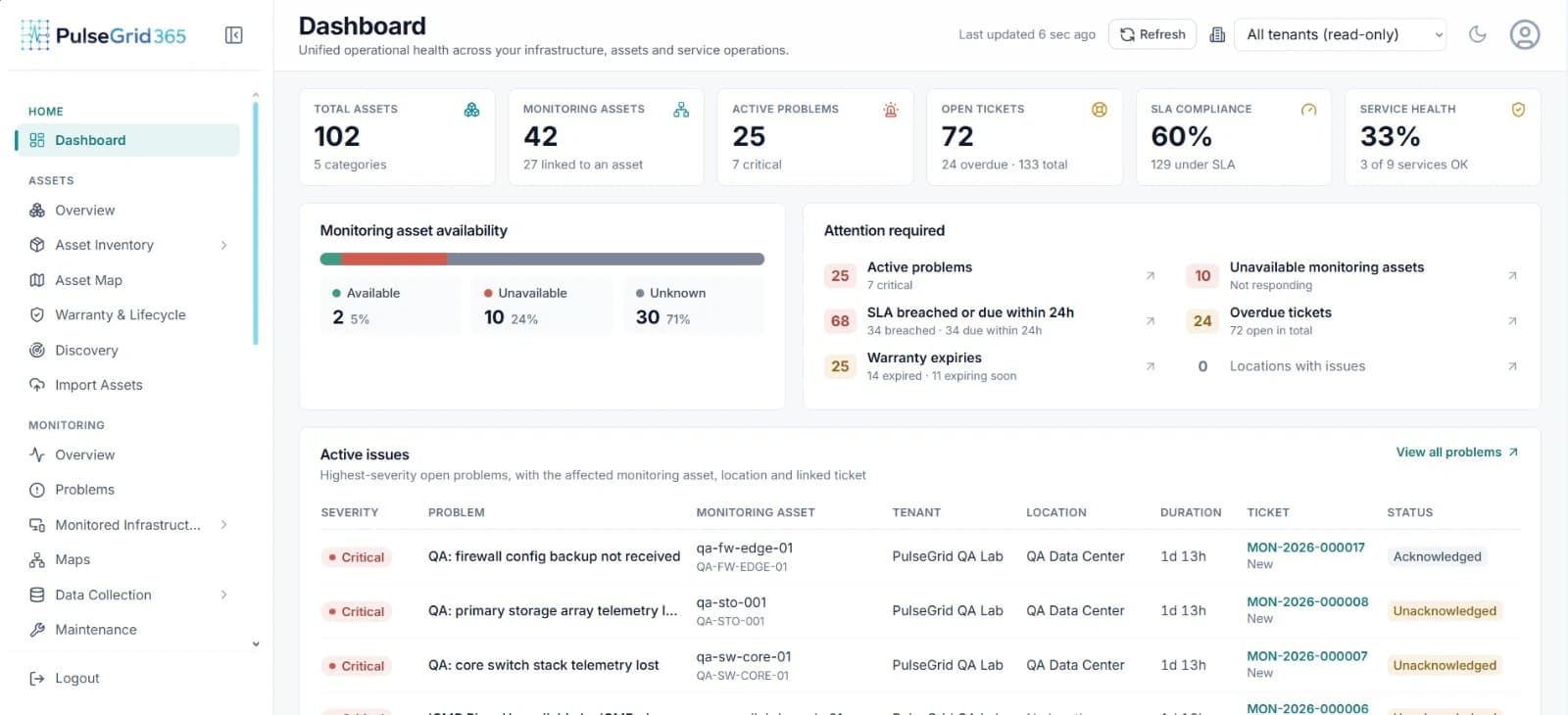
PulseGrid 365 · Dashboard