Service Desk / ITSM
Turn every issue into owned, tracked resolution.
Incident and ticket management where each issue can carry the asset, event and team context needed to resolve it.
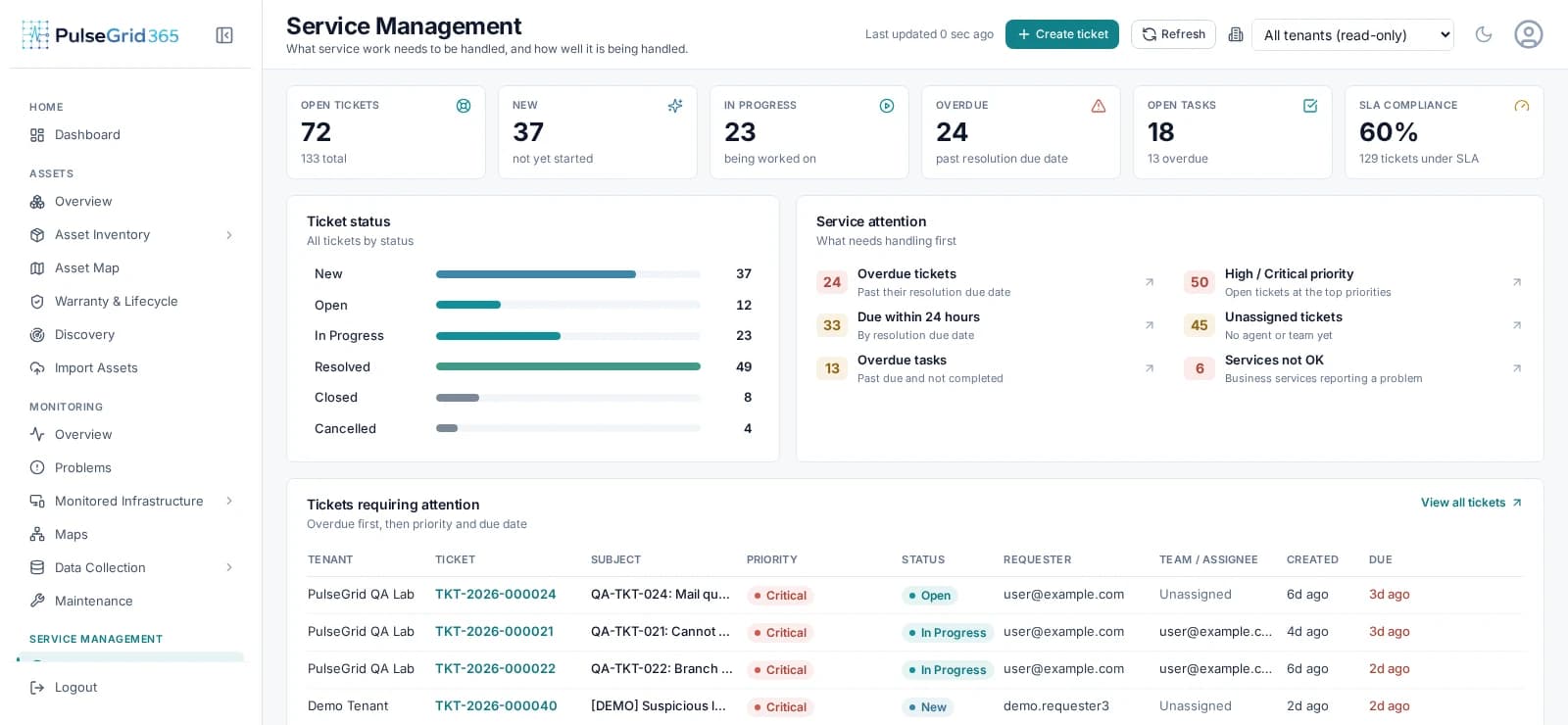
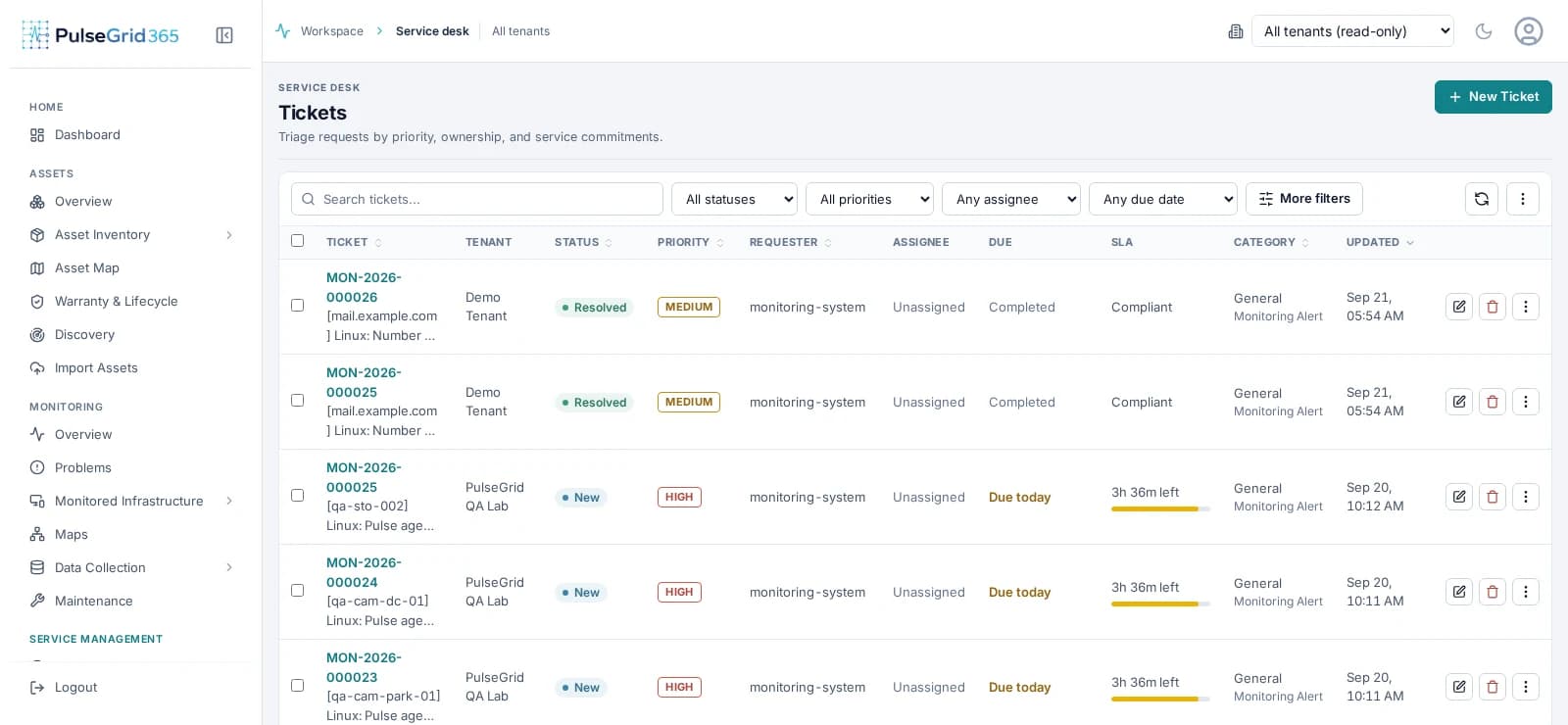
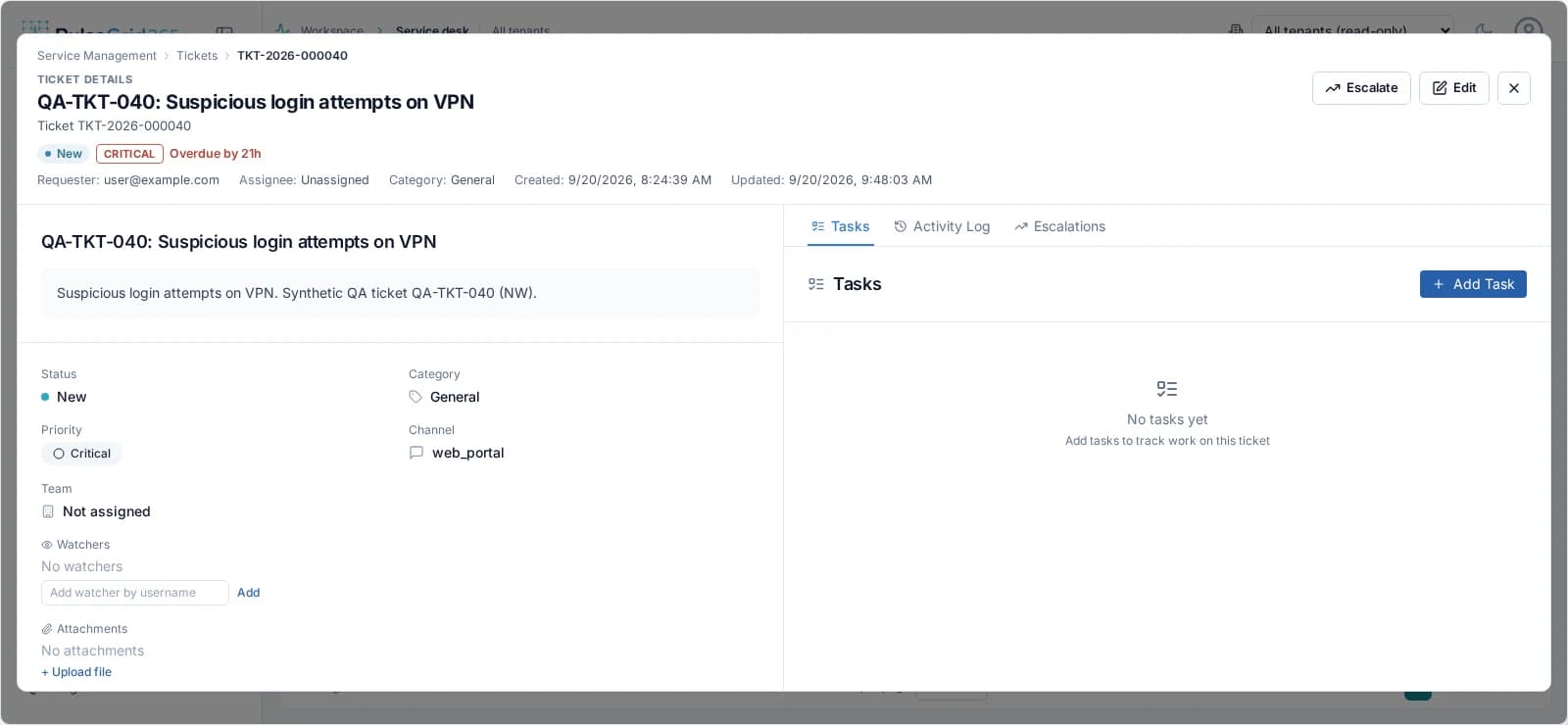
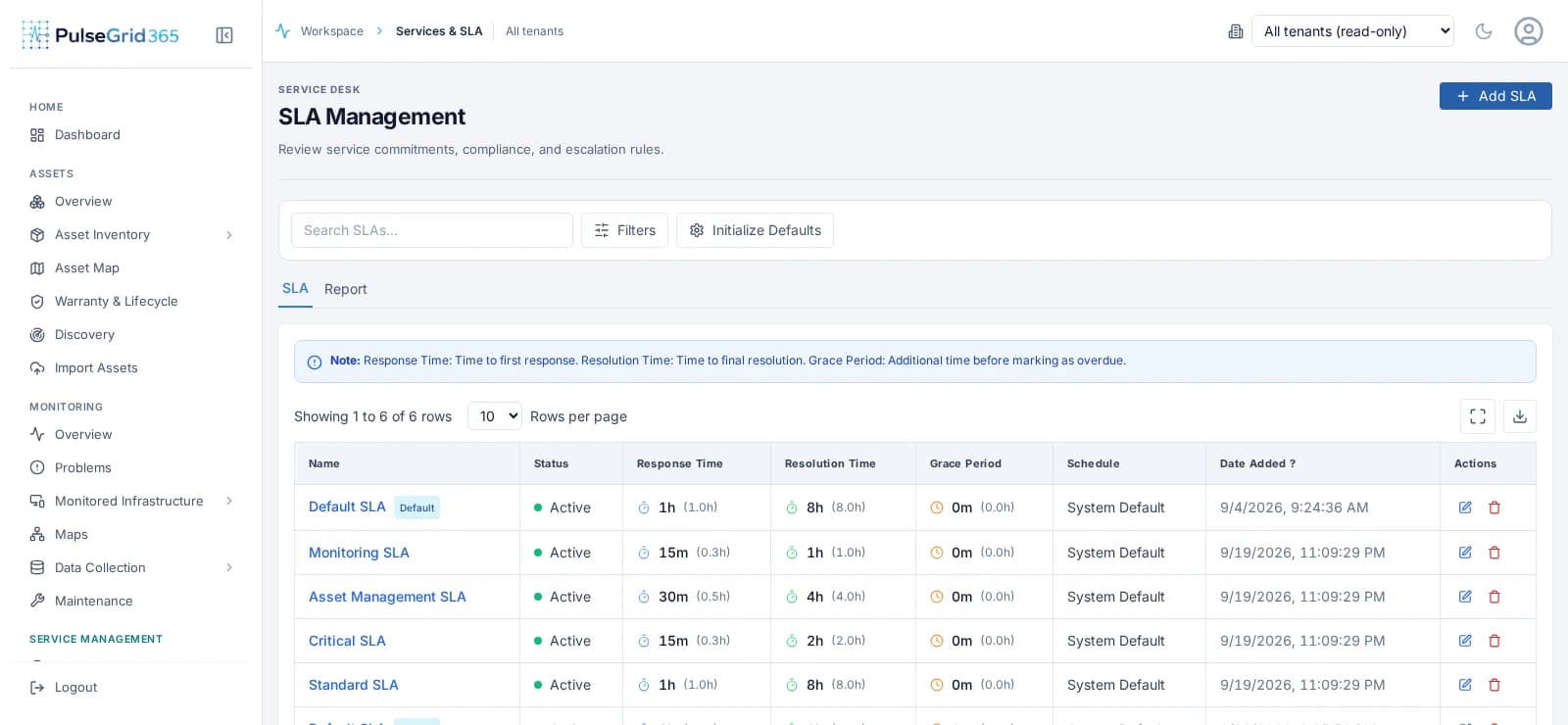
- 1Open, overdue and SLA state at a glance
- 2What service work needs handling first
- 3Tickets by priority, requester and due date
What you get
From detection to accountable resolution.
The incident opens with the affected asset attached, is prioritised and assigned, and its SLA starts counting.
- Priority
- Impact and urgency set what is handled first.
- Assignment
- Teams and individuals accountable for each ticket.
- SLA
- Response and resolution targets, with breach visibility.
- History
- Comments, tasks and escalations retained on the ticket.
Service operations
From detection to retained history.
Each step is tracked, so nothing depends on someone remembering to follow up.
- 01
Detect
An event or a report.
- 02
Create
Manually or from an event.
- 03
Prioritize
Severity and impact.
- 04
Assign
Team and owner.
- 05
Track SLA
Targets and due dates.
- 06
Resolve
Work to closure.
- 07
Retain
Full history kept.
Capabilities
What Service Desk / ITSM covers
- Tickets and tasks
- Manage incidents with tasks, watchers, attachments and threads.
- SLA policies
- Define response and resolution targets per priority.
- Escalation
- Escalate tickets at risk of breaching their targets.
- Teams
- Organise agents into teams and route work to them.
- Knowledge base
- Capture answers so repeat issues resolve faster.
- Asset-linked incidents
- See an asset's incident history from its record.
Connected modules
Stronger together.
Service Desk / ITSM shares its records with the rest of the platform. See the assets behind each incident, events that raise incidents, and rules that automate the routine.
FAQ
Common questions
Can infrastructure events create service incidents?
Yes, according to the workflows you configure. Incidents can also be created manually.
How does PulseGrid 365 support asset lifecycle management?
Asset records track status, assignment, location, warranty and history so you can follow an asset from acquisition to retirement.
What role does automation play?
Automation connects events, rules, notifications and service workflows so routine operational steps happen consistently. It acts within the rules you configure.
See PulseGrid in action
See how PulseGrid 365 fits your operational environment.
Tell us about your infrastructure and how your teams respond today. We will arrange a walkthrough focused on your priorities.