Solutions · Service Management
Incident handling that starts with the event, not an email.
When monitoring and service management share a platform, incidents begin with context and accountability instead of a description typed from memory.
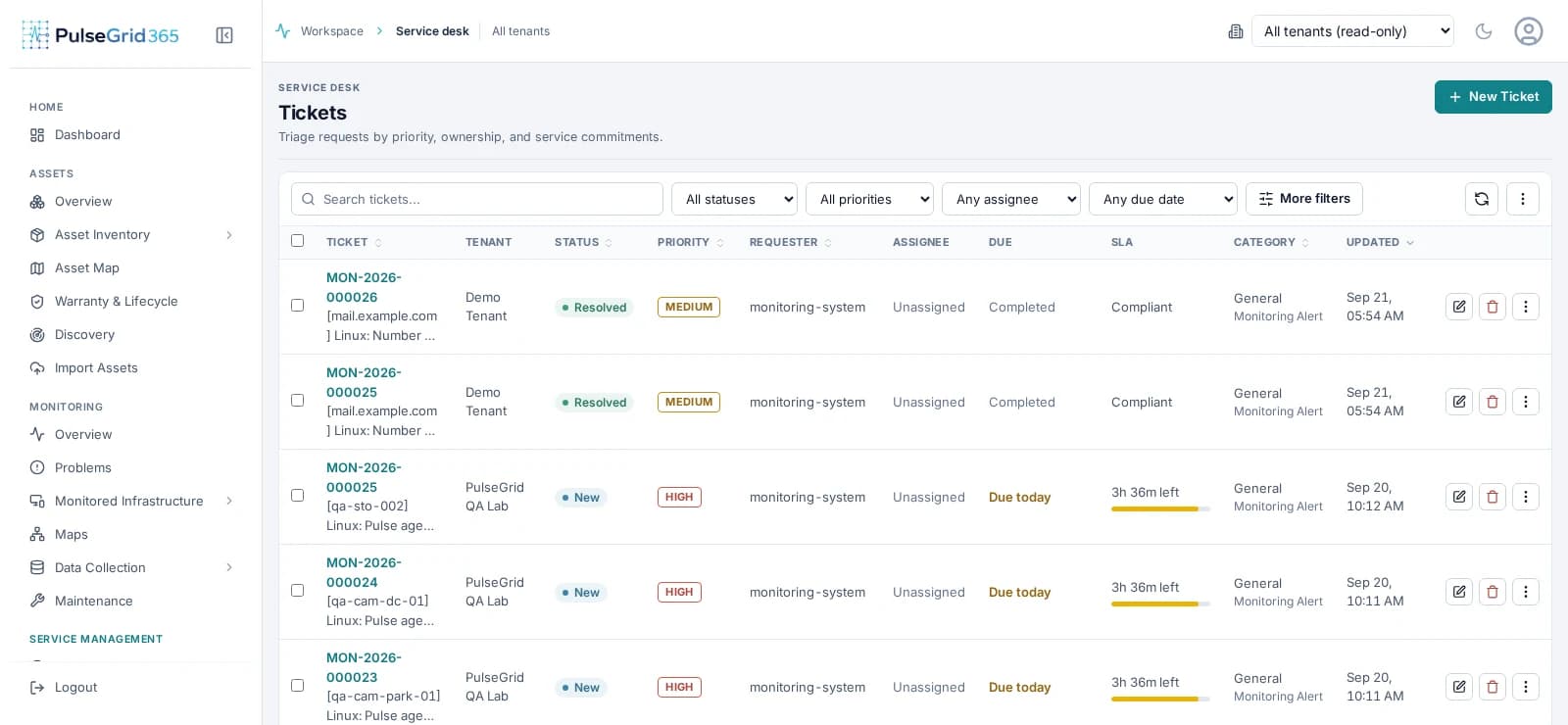
PulseGrid 365 · Ticket queue
Built for: Service desk leads, incident managers and ITSM owners.
What changes
From the problem you have to the workflow you want.
Today
- Tickets arrive without the affected asset.
- Ownership is unclear, so work waits.
- SLA status lives in a different report.
With PulseGrid 365
- Tickets can be created from events with the asset attached.
- Every ticket has a team, priority and due date.
- SLA targets are shown on the queue itself.
The workflow
How the work flows.
The ticket queue shows priority, assignee, due date and SLA state.
- 01
Detect
- 02
Create
- 03
Prioritize
- 04
Assign
- 05
Track SLA
- 06
Resolve
Modules that matter
Where PulseGrid 365 helps.
See PulseGrid in action
See how PulseGrid 365 fits your operational environment.
Tell us about your infrastructure and how your teams respond today. We will arrange a walkthrough focused on your priorities.
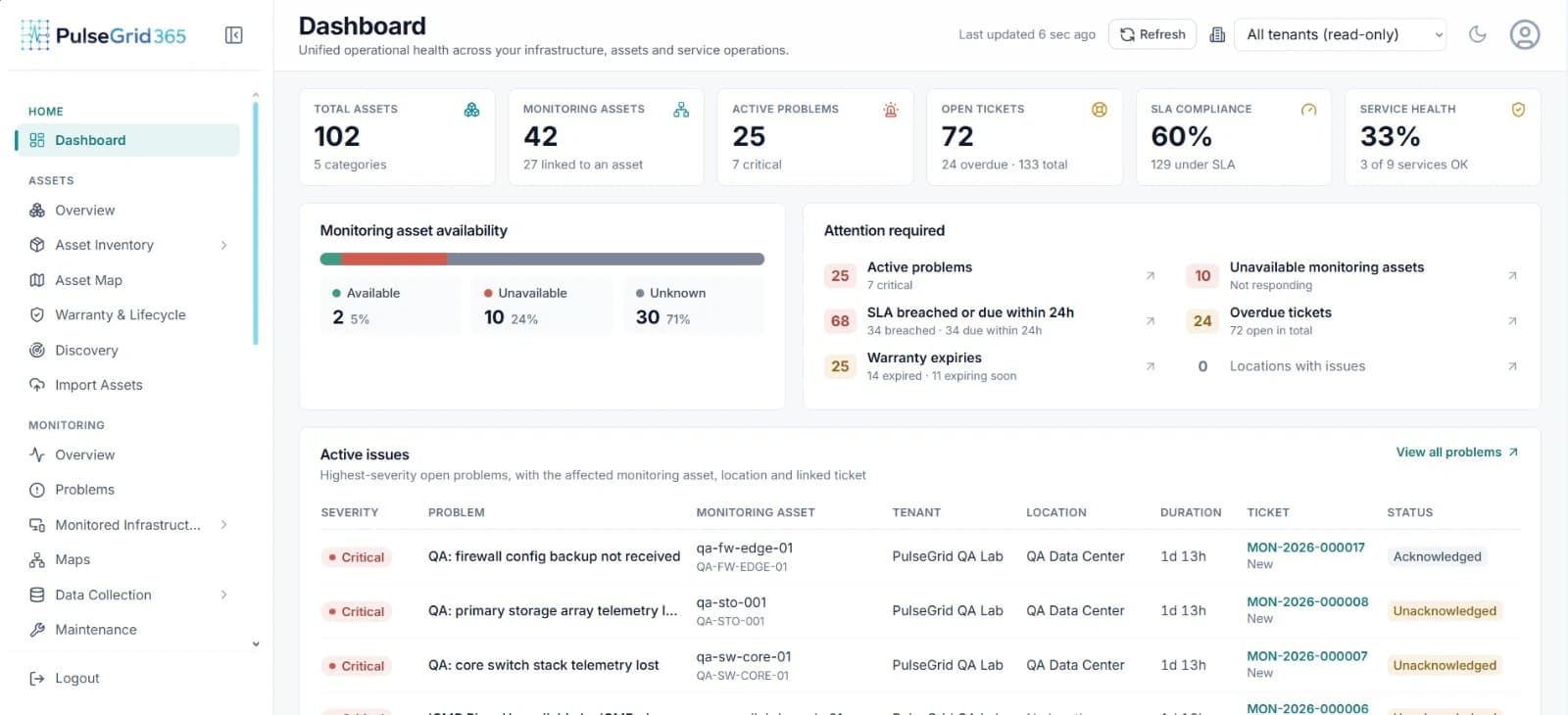
PulseGrid 365 · Dashboard